Test your whole setup.
Free tests for your mouse, keyboard, controller, mic, speakers, webcam and monitor. Real measurements, a clear verdict, and nothing ever leaves your device.
- $0
- no sign-up, ever
- 19
- tests and counting
- 0 bytes
- of your data uploaded
What will you test?
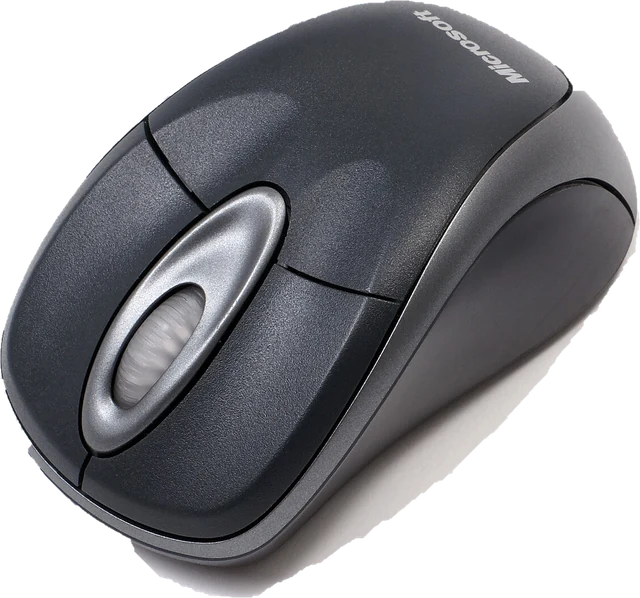
Catch a double click before it costs you a match.
Buttons, double clicks, scroll wheel, polling rate and DPI.
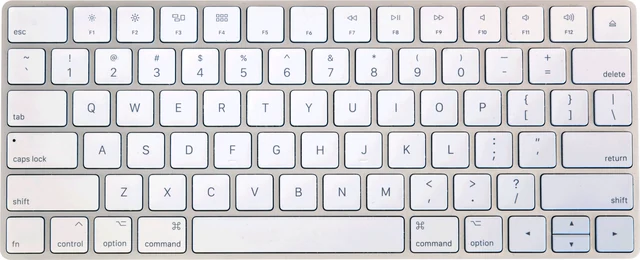
Every key, every layout, every combo.
Every key, rollover, ghosting and chatter.
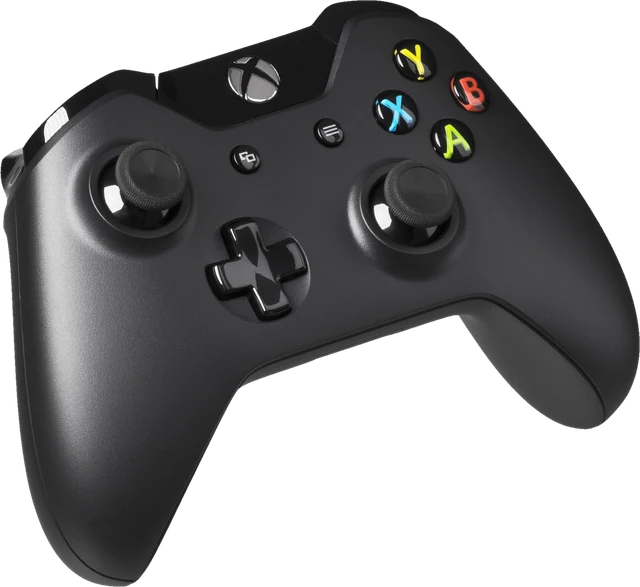
Know your stick drift, and the dead zone to set.
Buttons, sticks, drift, triggers and vibration.
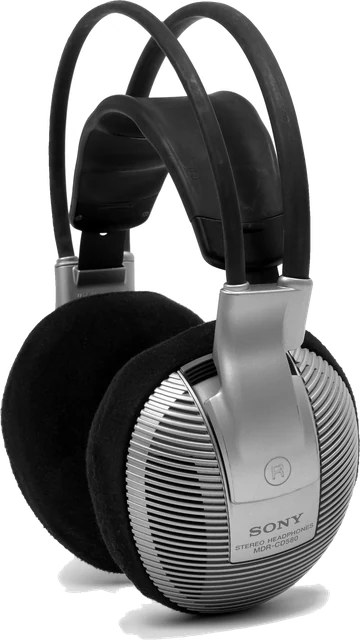
Hear what they hear on the call.
Microphone level, noise, speakers and headphones.
See your real frame rate, not the box claim.
Resolution, real frame rate and image check.
Spot a dead pixel while you can still return it.
Dead pixels, refresh rate and full screen colours.
How fast are you, really?
Clicks per second and reaction time.
Honest numbers, on your device.
A browser only sees what your computer hands it. So every result says how it was found.
Good to know.
Is TestYourSetup free?
Yes. Every test is free, needs no account and runs in your browser.
Do the tests upload anything?
No. Your key presses, clicks, controller input, microphone audio and camera image stay on your device. The mic and webcam tests ask for permission only when you press Start, and stop the device when you leave.
Which browser works best?
A current Chrome or Edge on a computer supports every test, including mouse polling rate and side buttons. Firefox and Safari work for most tests; where a browser cannot measure something, the test says so instead of showing a made-up number.
Can a website measure my mouse or keyboard latency?
Not honestly. A browser never sees the moment a switch closes or the screen lights up, so any site that prints an exact latency in milliseconds from JavaScript alone is guessing. We show what the browser really receives and label estimates as estimates.
Does it work on a phone?
Most tests do: mic, webcam, dead pixel, white and black screen, reaction time and CPS work on phones and tablets. Mouse and keyboard tests need a mouse or keyboard connected; controllers work on Android Chrome and on iPhone or iPad with a supported pad.